
Mobile
Caravan SandWitch on Android and iOS — free download, the $6.99 full-game unlock, touch controls, performance tips and mobile vs PC differences.
Introduction
Mobile is the newest and one of the most important sections of the Caravan SandWitch wiki. The game released on Android and iOS in August 2026, bringing the award-winning PC adventure to phones and tablets. The mobile version is free to try with a one-time $6.99 in-app purchase to unlock the full game, and it features touch controls, Game Center achievements on iOS, and controller support. Because the mobile launch is recent, players have lots of questions — how to download, what devices are supported, how touch controls feel, how performance compares to PC, and how to fix common issues. This category answers all of them, making it the go-to resource for Android and iOS players.
Mobile Platforms
| Platform | Download | Price |
|---|---|---|
| Android | Google Play | Free + $6.99 unlock |
| iOS (iPhone) | App Store | Free + $6.99 unlock |
| iPad | App Store | Free + $6.99 unlock |
| PC (Steam) | Steam | $24.99 |
Mobile Hub
Download & Setup
Get the game on Android and iOS, free to try
Touch Controls
Master the virtual joystick, camera, and driving inputs
Performance & Fixes
Improve frame rate and fix common mobile issues
Mobile vs PC
How the mobile version differs from PC and console
Core Mechanics
The mobile version of Caravan SandWitch plays the full adventure with controls adapted for touchscreens. Movement uses a virtual joystick, the camera is controlled by dragging, and contextual prompts let you interact with characters and objects. Driving the van uses dedicated touch inputs with brake and boost controls. The game supports external controllers for a console-like experience. The free-to-try model lets you play the opening without paying, and the $6.99 purchase unlocks the complete game. On iOS, achievements sync through Game Center. Because the mobile launch is recent, updates have focused on improving camera behavior and fixing issues — iOS 1.0.6, for example, targets camera improvements and localization fixes.
Advantages
The mobile category is valuable because the August 2026 launch brought a wave of new players with specific questions. It explains the free-to-try and $6.99 unlock model clearly, so nobody is surprised by the pricing. It demystifies touch controls, which are the biggest adjustment for players coming from PC or console. The performance and troubleshooting guides address the common complaints seen in App Store reviews — camera behavior, save management, and occasional crashes — with practical fixes. And for players deciding between platforms, the mobile vs PC comparison helps them choose. This section is the complete resource for anyone playing on Android or iOS.
Challenges
Mobile has some genuine challenges that this section addresses. Touch controls are less precise than a mouse and keyboard, and the camera has been the most common mobile complaint — something updates continue to improve. Device requirements matter: iOS 18 or later is needed with a download of about 884 MB, and older devices may struggle with performance. Some players report save issues after reinstalling or crashes during driving. There are also minor differences from PC, such as Game Center integration and slightly adjusted controls. Our guides cover each of these so mobile players can enjoy the game without frustration.
Frequently Asked Questions
Is Caravan SandWitch free on mobile?+
What devices can run Caravan SandWitch on mobile?+
Can I use a controller on mobile?+
Quick Tips
Download from the official stores — Google Play on Android, the App Store on iOS — and be ready for the $6.99 full-game unlock. Avoid unofficial download sites, which can carry modified builds. The free trial is generous enough that you can confirm the game runs well on your device before paying.
Give touch controls a few minutes of practice. The virtual joystick and camera drag take getting used to, especially for driving. Start with movement and camera before attempting tricky climbs, and lower the sensitivity if the camera feels too twitchy. A few minutes of tuning makes the whole adventure more comfortable on a phone.
Keep your game updated. Updates like iOS 1.0.6 improve camera behavior and fix crashes, so staying current makes mobile play much smoother. Check the App Store or Google Play for pending updates before long sessions, and back up your save before large updates just in case. A little caution protects hours of progress.
Featured
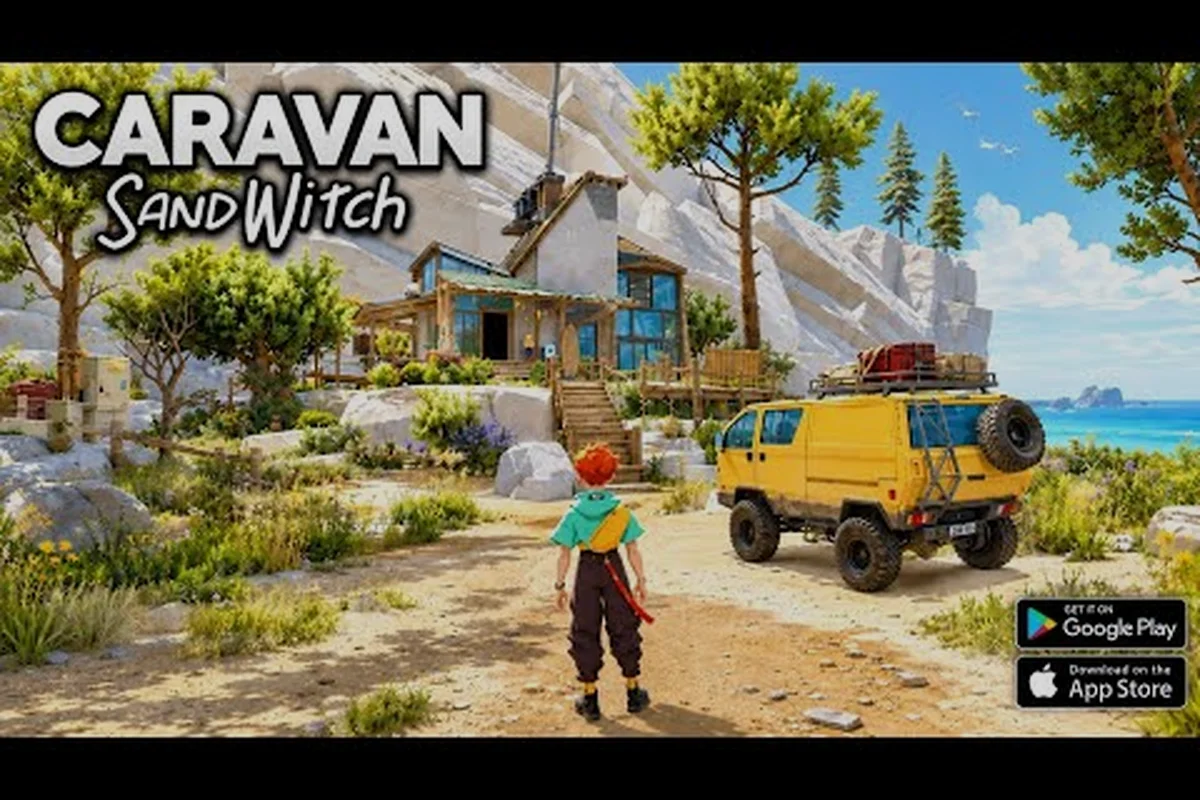
Caravan SandWitch app store: iOS specs and touch controls
Explore the Caravan SandWitch app store listing with iOS 18.0 requirements, 883.9 MB size, and touch controls. See how the mobile port plays before you buy.
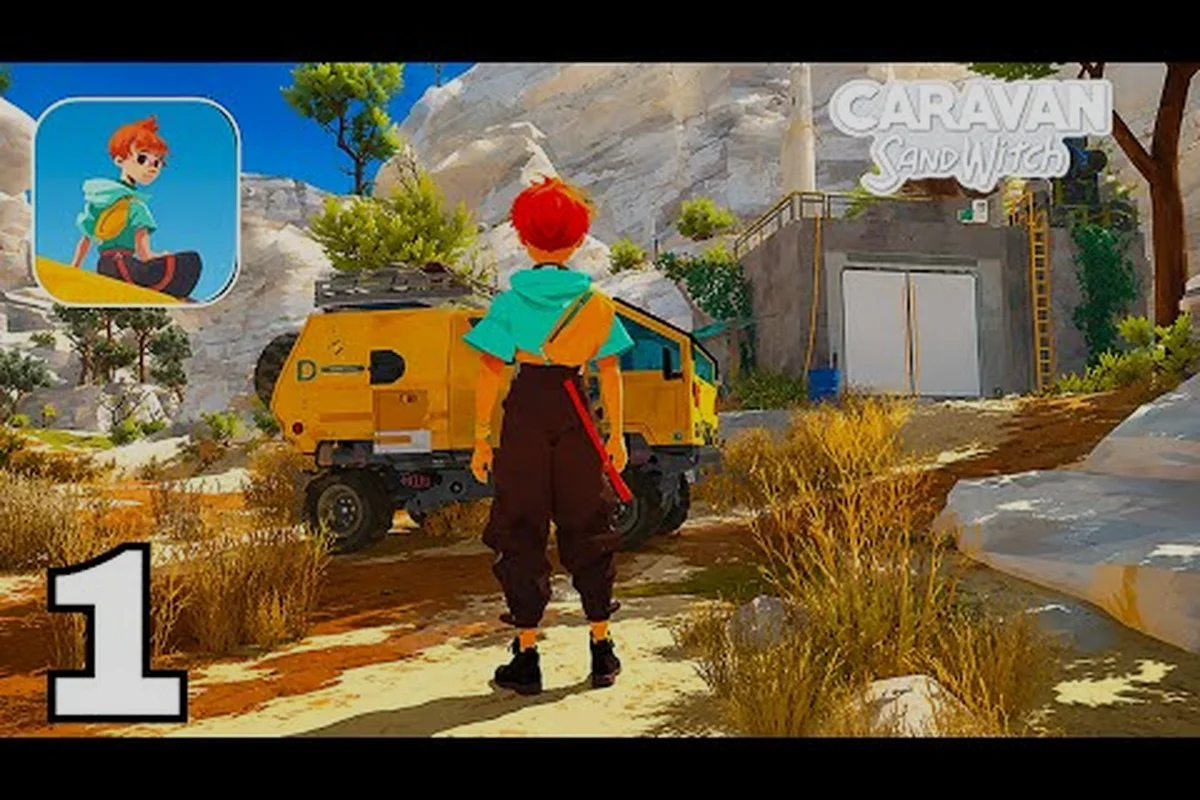
Caravan SandWitch mobile: overview and platform guide
Get the Caravan SandWitch mobile overview: Android and iOS availability, touch controls, performance, and how the port compares with the PC version.
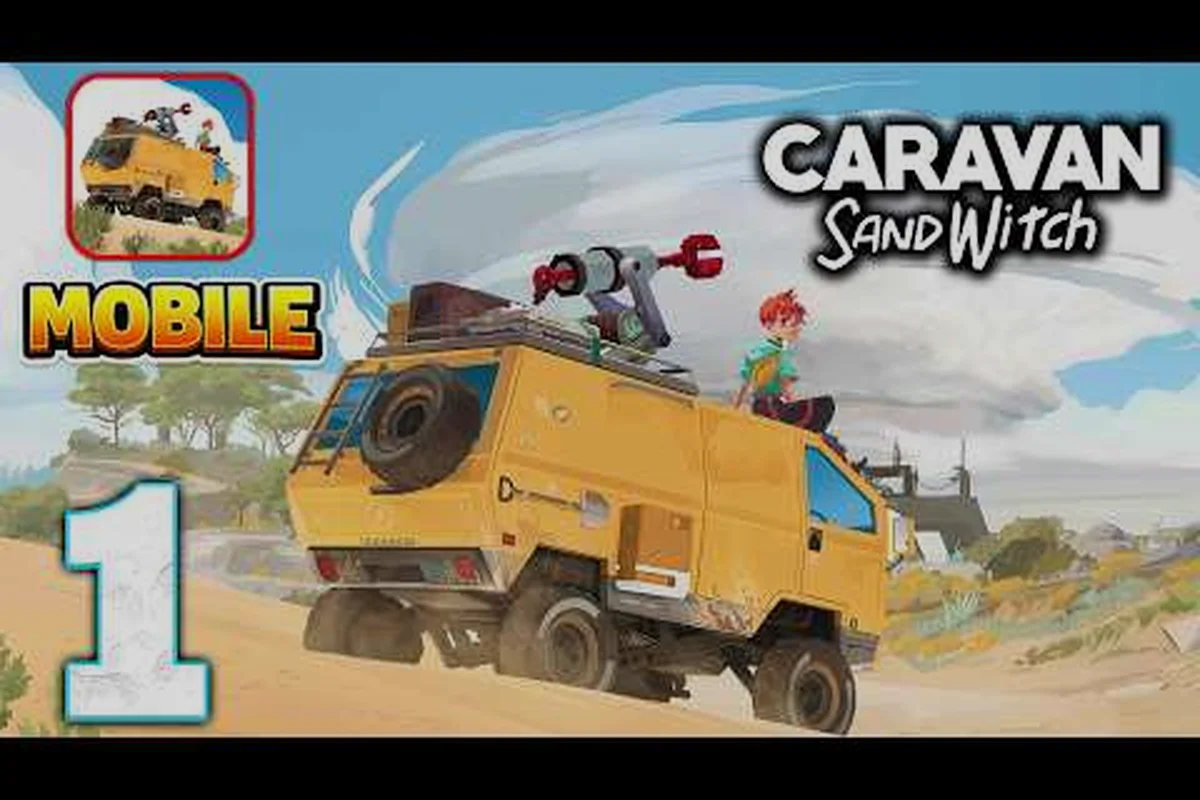
Caravan SandWitch mobile download: full game unlock
Learn how the Caravan SandWitch mobile download works: free to try, the $6.99 full-game unlock, device requirements, and what you get on mobile.
All Articles
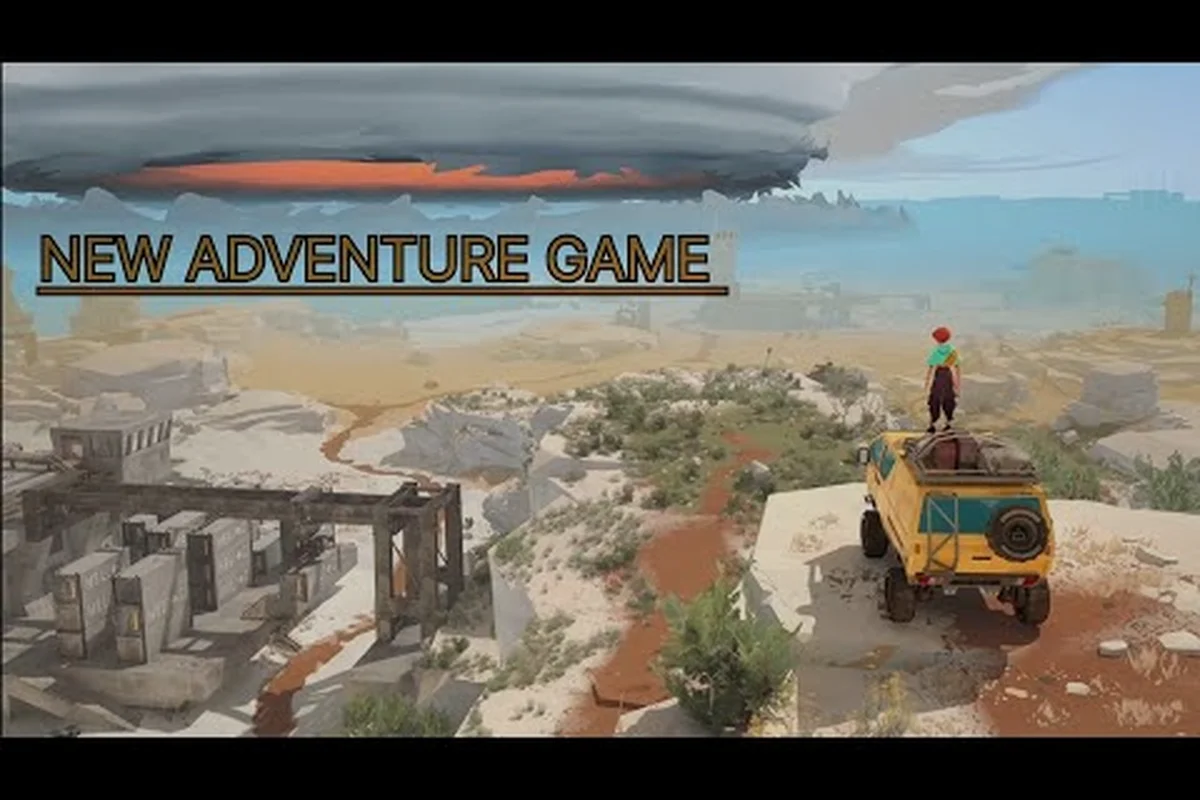
Caravan SandWitch mobile price: unlock cost breakdown
See the Caravan SandWitch mobile price breakdown: free download, the one-time $6.99 full-game unlock, and how it compares with the PC price tag.
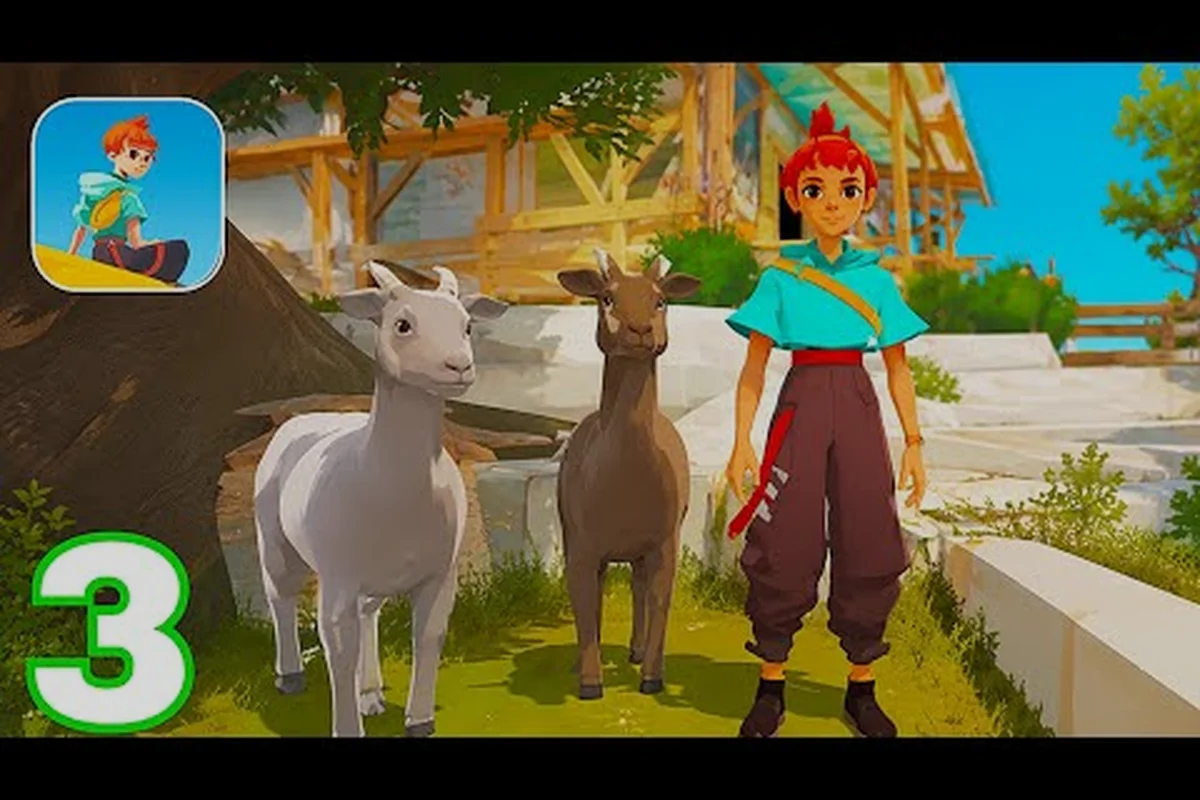
Caravan SandWitch mobile crash fix: iOS and Android
Fix Caravan SandWitch mobile crash fix issues like black screens on Android and iOS. Get troubleshooting steps for version 1.0.6 and new player tips.
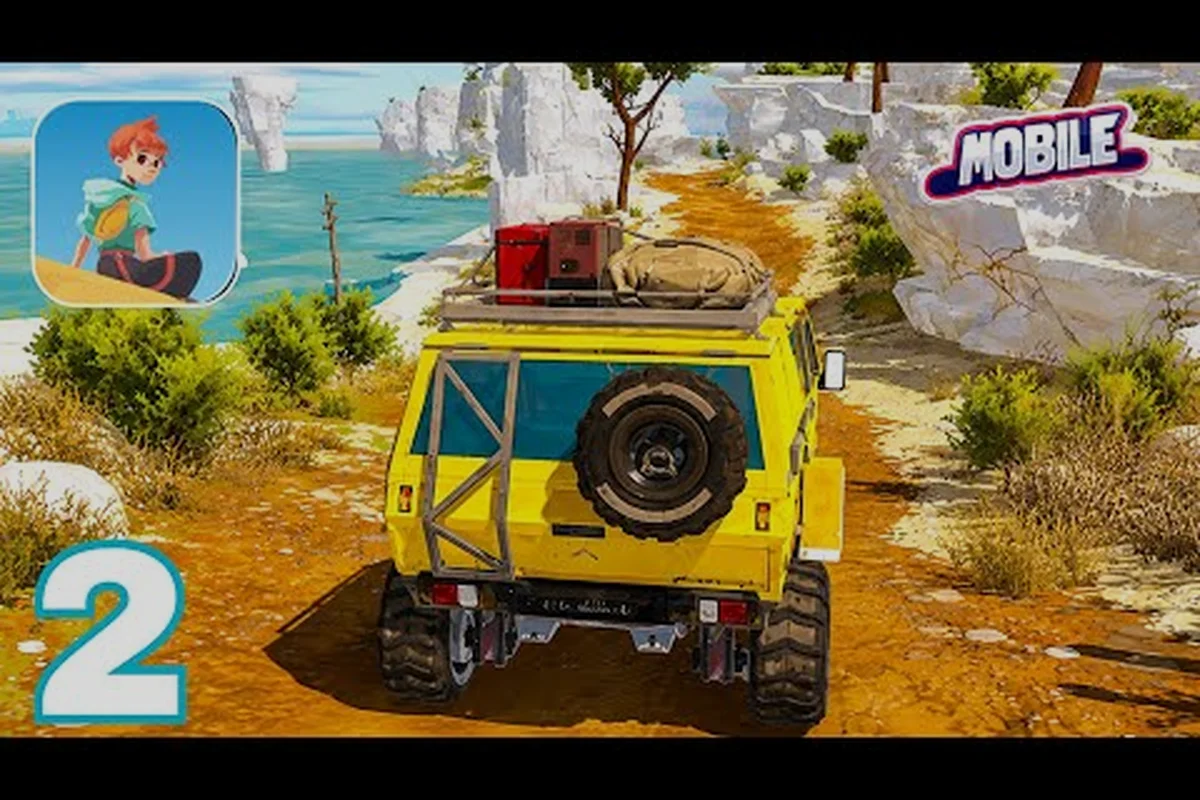
Caravan SandWitch mobile fps: performance settings
Boost Caravan SandWitch mobile fps with the best graphics settings. Compare Android and iOS requirements and see how the mobile port runs versus PC.
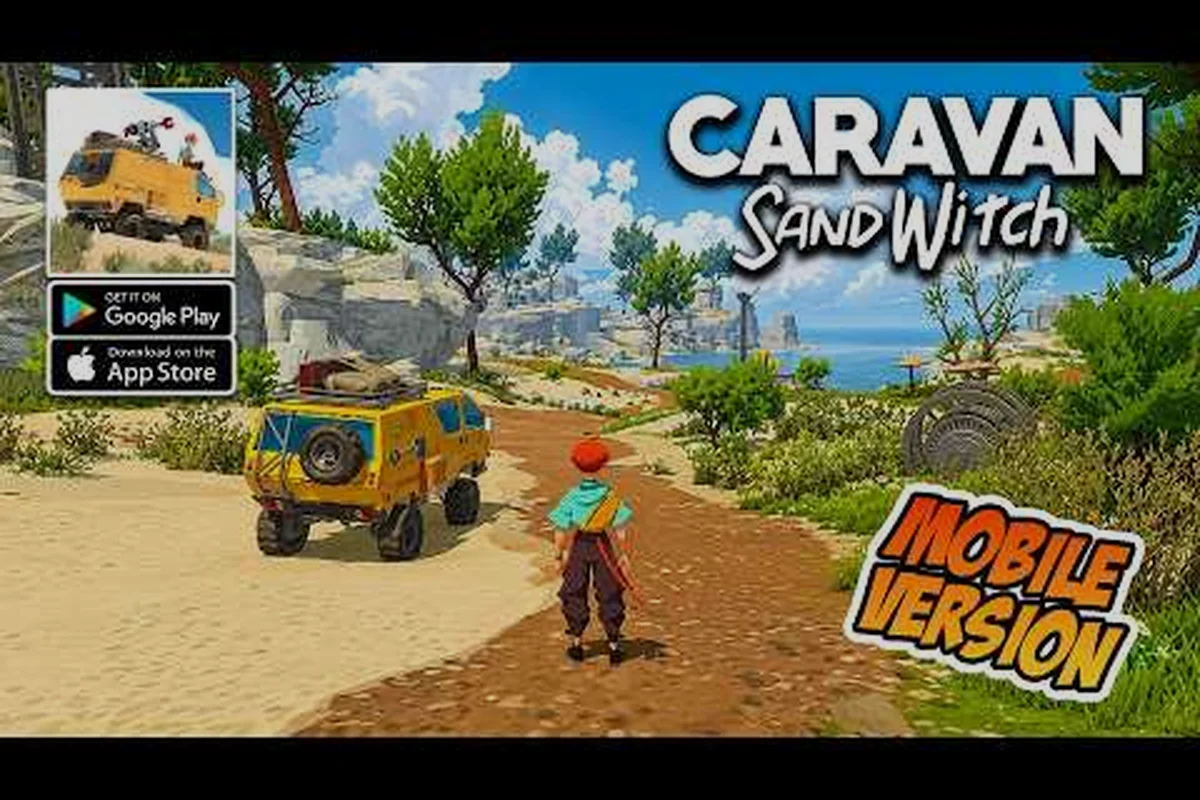
Caravan SandWitch mobile differences: vs PC version
Understand Caravan SandWitch mobile differences, including cross-save support, controller compatibility, and the free-to-try model. See what changes on the go.