
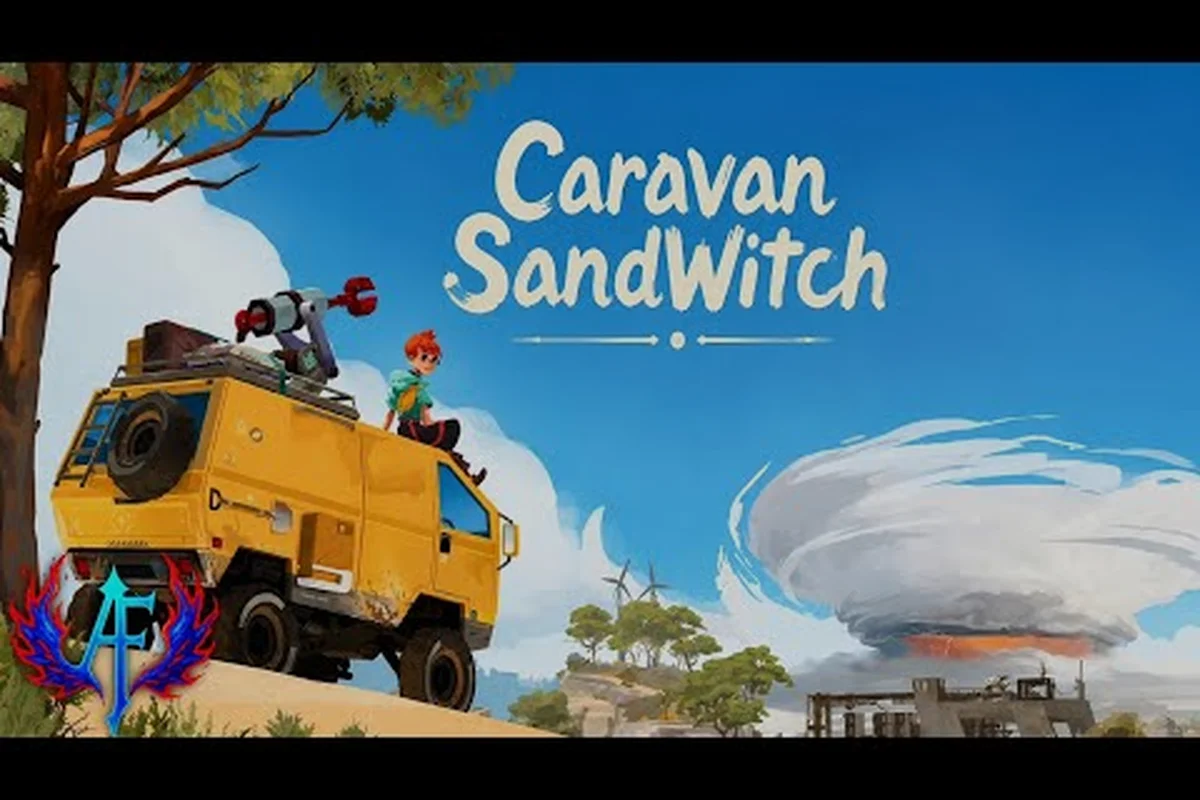
Caravan SandWitch mobile how to play is easier than you might expect, because the touch controls are built around the game's relaxed, no-combat exploration loop rather than twitch reflexes. The mobile port, released on both Android and iOS in August 2026, brings the full narrative adventure to your pocket with a free-to-try demo and a one-time $6.99 unlock for the complete experience. That means you can test the opening hours without spending a cent, then decide if the sci-fi world of Cigalo is worth your time.
This Caravan SandWitch starter guide walks you through the essential touch gestures, the free-to-try model, and the smartest ways to spend your first hour. You will learn how to drive the van, scan the environment, and manage your inventory, all while avoiding the frustration of fumbling with unfamiliar controls. By the end, you will know exactly how to start your journey, what to prioritize, and how to make the most of this cozy exploration adventure on a phone screen.
Understanding the Touch Controls and Interface
The first thing every new player notices is how the mobile interface strips away the clutter. Unlike the PC version, which relies on keyboard and mouse inputs, the mobile port uses a virtual joystick on the left side of the screen for movement and a context-sensitive action button on the right. The camera follows your character automatically, but you can drag anywhere on the right half of the screen to look around, which is essential for spotting collectibles and hidden paths.
The core touch gestures break down into a few simple patterns that you will master within minutes:
-
Left joystick — move your character, and the van when you are driving
-
Right side drag — rotate the camera and adjust your view
-
Context button — interact with objects, talk to NPCs, or enter the van
-
Swipe up — jump or climb when near ledges and obstacles
-
Double-tap — dodge roll, which is useful for crossing gaps quickly
-
Pinch gesture — zoom the camera in and out for a closer look at the environment
The interface also includes a scanner mode that highlights interactive objects, and this becomes your best friend during the early game. When you activate the scanner, nearby components, quest markers, and points of interest glow with a colored outline, making it much easier to navigate unfamiliar areas. The scanner uses a short cooldown, so you cannot spam it, but it recharges quickly enough that you will rarely feel stuck.
Adjusting Sensitivity and Button Layout
One of the smartest moves by the developers was including a settings menu that lets you tweak the touch experience. You can adjust the joystick size, change the button opacity, and even reposition the action button if your thumbs feel cramped on a smaller phone. Players on tablets report that the default layout works well, but phone users often benefit from shrinking the joystick and moving the action button slightly higher.
The game also supports external controllers on both platforms, which is a welcome addition for players who prefer physical buttons. According to the App Store listing, controller support is built into the iOS version, and Android players have confirmed that Bluetooth gamepads work without any extra configuration. If you own a controller, pairing it before you start the game saves you the trouble of re-learning the touch layout later.
The Free-to-Try Model and Full Game Unlock
Understanding the pricing structure is critical before you invest time in the mobile version, because the free-to-try model can confuse players who expect a traditional demo. The game lets you download and play the opening section at no cost, which covers the prologue and the first few exploration zones. Once you reach a specific story point, the game prompts you to purchase the full game for a one-time fee of $6.99, and this unlocks everything else with no ads, no microtransactions, and no recurring subscriptions.
According to community reports on r/AndroidGaming, the free portion lasts roughly one to two hours depending on how thoroughly you explore. That gives you a solid taste of the gameplay loop, the story, and the visual style before you commit any money. The full-game purchase is a single in-app purchase, so you do not need to worry about hidden costs or energy systems that plague many mobile games.
| Pricing Aspect | Free-to-Try | Full Game Unlock |
|---|---|---|
| Cost | $0.00 | $6.99 one-time |
| Content | Prologue + first zones | Entire game + all chapters |
| Ads | None | None |
| Microtransactions | None | None |
| Save Transfer | Yes | Yes — same save continues |
The save file carries over seamlessly when you unlock the full game, so you do not need to restart your progress. This is a major quality-of-life feature that mobile players appreciate, because it respects the time you already invested in the free portion. The game also supports cloud saves through your platform account, which means you can switch between your phone and tablet without losing your place.
What You Get for $6.99
The full-game unlock grants access to the complete narrative experience, which includes all main story chapters, side quests, and the entire map of Cigalo. You also gain access to the van upgrade system, the component crafting mechanics, and the cuddly toy collectibles that are scattered across the world. The mobile version includes all the content from the PC release, with no cut features or missing areas, which is a significant selling point for players who want the complete package.
The game's file size is 883.9 MB on iOS, so make sure you have enough storage space before downloading. The Android version is similar in size, and both platforms require a stable internet connection for the initial download, though the game runs entirely offline afterward. This makes it a great travel companion, because you can play on a plane or in areas with poor connectivity without any issues.
Getting Started: Your First Hour in Cigalo
| Component Rarity | Color | Typical Locations | Unlock Requirement |
|---|---|---|---|
| Common | Green | Ground, rooftops, ruins in Estello Village, Rose's Retreat, Hydropost | Available from start |
| Uncommon | Red | Old vehicles and robots, harder-to-reach spots | Basic tools |
| Rare | Yellow | Puzzle rooms; more spawn after desert unlocks in Chapter 2 | Chapter 2 progression |
| Exceptional | Purple hexagon | Desert area only | Advanced tools required |
When you begin the game, you wake up as the protagonist who has returned to the planet Cigalo to search for your missing sister. The opening moments are deliberately slow, introducing you to the controls through gentle tutorial prompts that never feel rushed. You will learn to walk, scan, and interact with the environment before you even see the van, which gives you time to adjust to the touch controls without pressure.
The first major objective is to reach your van, which is parked near your starting location. Once you enter the van, the game introduces the driving mechanics, and this is where the mobile controls shine. The van handles smoothly with the virtual joystick, and the camera automatically adjusts to give you a good view of the road ahead. You can also switch to a first-person view while driving, which some players prefer for tight maneuvers.
Your early objectives follow a clear progression path:
-
Find the van — follow the quest marker through the starting village
-
Drive to the first outpost — learn the basics of off-road driving
-
Meet the Reinetos — encounter the leftover robots that populate Cigalo
-
Scan the environment — collect your first components and resources
-
Upgrade the van — unlock the ability to reach new areas
Each objective introduces a new mechanic, and the game paces these introductions carefully so you never feel overwhelmed. The Caravan SandWitch new player guide on our site covers the prologue in more detail, including the exact locations of early collectibles and the best order to tackle side objectives. The game rewards thorough exploration, so do not rush through the main story without checking the side paths and rooftops.
Essential Tips for New Players
The first hour sets the tone for the entire experience, and a few smart decisions early on can save you significant backtracking later. Components are the primary currency for crafting upgrades, and they come in four rarity tiers: common green, uncommon red, rare yellow, and exceptional purple. Common components are scattered everywhere, but the rarer ones are hidden in puzzle rooms and harder-to-reach areas, so always keep an eye out for glowing containers.
Prioritize upgrading your van's engine and fuel tank first, because these directly expand your exploration range. The engine upgrade lets you climb steeper hills, while the fuel tank reduces how often you need to return to refueling stations. According to the walkthrough guide on bonus-action.com, the desert area in Chapter 2 requires the advanced tools, so you cannot access everything on your first visit to a region.
Driving and Exploration Mechanics
Driving the van is a core part of the Caravan SandWitch mobile how to play experience, and the mobile port handles it surprisingly well. The virtual joystick controls acceleration and steering, while a separate button activates the handbrake for sharp turns. The van has a satisfying weight to it, and you will need to manage your speed when navigating rocky terrain or narrow canyon paths.
The game world is designed around the van, with many areas only accessible by vehicle. You will encounter ramps, bridges, and other obstacles that require specific upgrades to cross, which creates a natural progression gate. The scanner helps you identify which areas are currently reachable, so you can plan your route efficiently instead of driving into dead ends.
| Upgrade Type | Cost (Components) | Unlock Effect |
|---|---|---|
| Engine | 15 Common | Climb steeper hills |
| Fuel Tank | 10 Common + 5 Uncommon | Longer travel range |
| Winch | 20 Common + 10 Uncommon | Pull heavy objects |
| Jump Boost | 30 Common + 15 Rare | Cross wider gaps |
Exploration is the heart of the game, and the mobile version encourages you to park the van and explore on foot in many areas. The character moves quickly, and the jump and dodge mechanics let you traverse uneven terrain with ease. You will find hidden caves, abandoned buildings, and scenic viewpoints that reward curiosity with components and lore pieces.
Managing Your Inventory and Components
Your inventory is simple, with slots for components, quest items, and collectibles. Components are used for crafting upgrades, while quest items are automatically tracked and cannot be dropped accidentally. The cuddly toys are purely cosmetic collectibles, but finding all of them in each area unlocks bonus content and achievements.
The game tracks your collection progress per area, which makes it easy to see what you are missing. If you are stuck on a particularly tricky collectible, the community has shared tips on forums and social media about the trickiest locations. The game also includes a fast travel system once you unlock certain outposts, which saves time when you need to return to previously explored areas.
Advanced Strategies and Optimization
Once you have the basics down, you can start optimizing your playthrough for efficiency and completeness. The Caravan SandWitch tips and tricks that experienced players share focus on route planning, component farming, and upgrade ordering. Because the game has no combat or death, the only real challenge is figuring out the most efficient way to explore the vast map.
One effective strategy is to clear each region completely before moving to the next, because this ensures you collect all the components you need for upgrades. The game's story will naturally guide you to new areas, but returning to earlier regions with better upgrades often reveals previously inaccessible paths. This creates a satisfying loop of exploration, upgrading, and re-exploration.
-
Scan every area twice — once on arrival and once after upgrading your tools
-
Prioritize main story until Chapter 2 — the desert unlocks rare components
-
Talk to every NPC — many give side quests that reward unique items
-
Check the map for icons — question marks indicate undiscovered points of interest
-
Use fast travel wisely — it costs nothing but requires unlocked outposts
The game also features Game Center achievements on iOS, which adds replay value for completionists. The achievements track everything from story progression to collectible milestones, and some are quite challenging to earn. The Steam version has 26 achievements, and the mobile port includes the same set, so completionists have a clear checklist to work toward.
Performance and Battery Considerations
Mobile performance is a common concern, especially for a game with this level of visual detail. According to player reports, the game runs smoothly on most modern devices, but older phones may experience frame drops in dense areas. The settings menu includes graphics options that let you reduce the resolution or disable certain effects to improve performance.
Battery drain is moderate, and a full charge typically lasts around three to four hours of gameplay on a modern phone. The game does not require a constant internet connection, so you can enable airplane mode to extend battery life. If you encounter any crashes or performance issues, our mobile crash fix guide covers common problems and their solutions.
Frequently Asked Questions
How long is the free-to-try portion of Caravan SandWitch on mobile?
The free-to-try portion lasts roughly one to two hours, depending on how thoroughly you explore the opening areas. You can play through the prologue and the first few zones without paying anything. Once you reach the story point that gates the full game, you will see the $6.99 unlock prompt. Your save carries over seamlessly after purchase.
Can I use a controller with the mobile version?
Yes, the mobile version supports external controllers on both Android and iOS. The App Store listing confirms controller support for iOS, and Android players have verified that Bluetooth gamepads work without extra configuration. You can also adjust the touch controls in the settings menu if you prefer playing without a controller.
What is the best upgrade to prioritize first?
The engine upgrade is the best first purchase because it lets you climb steeper hills and reach new areas. Following that, the fuel tank upgrade reduces how often you need to return to refueling stations. The winch and jump boost are useful later, but the engine and fuel tank provide the most immediate exploration benefits.
Does the mobile version include all the content from the PC release?
Yes, the mobile version includes the full game with all main story chapters, side quests, and collectibles. There are no cut features or missing areas compared to the PC version. The game also supports Game Center achievements on iOS, matching the achievement list from the Steam release.
Is the game playable offline after the initial download?
Yes, the game runs entirely offline after the initial download. The first launch requires an internet connection to download the 883.9 MB package, but afterward you can explore Cigalo, drive your van, and complete story quests without any signal. This makes it ideal for flights or commutes where connectivity is unreliable.